
How to Schedule Messages on GB WhatsApp: A Complete Guide
Learn how to use GB WhatsApp’s message scheduler to send messages at the perfect time. Discover recurring messages, templates, and more!
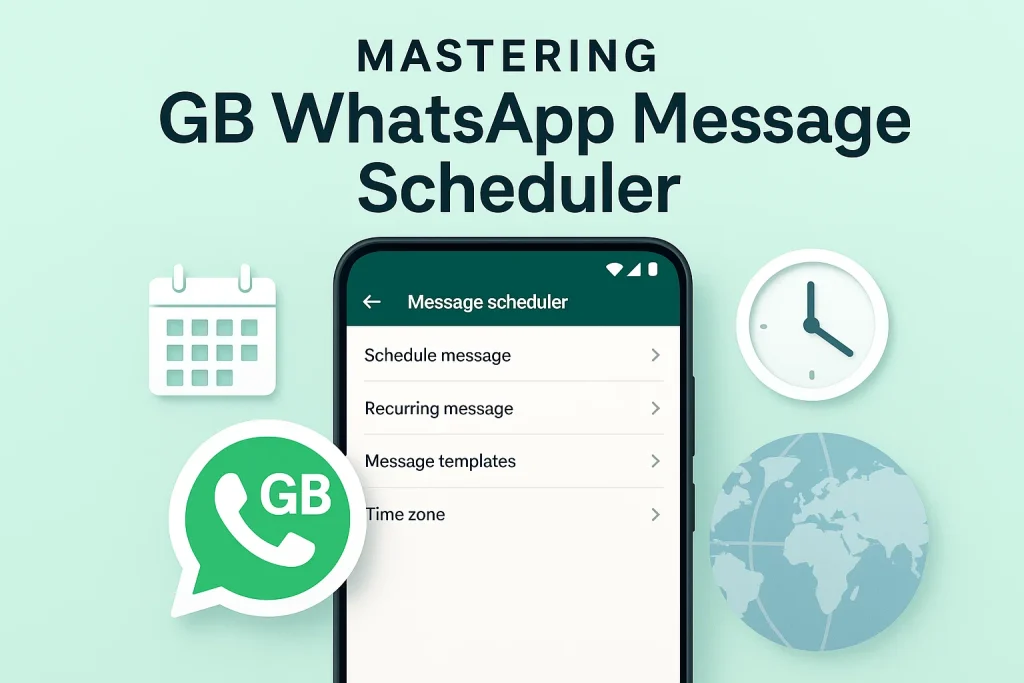
In a fast-paced world, staying connected with family, friends, and colleagues is essential. However, sometimes, timing is everything, especially when sending important messages. GB WhatsApp’s message scheduler feature allows users to plan their messages in advance and send them at the most convenient or strategic time. This small but powerful tool eliminates the need to send messages manually, saving time and improving efficiency.
As we juggle multiple tasks daily, missing out on an important message can be frustrating. With GB WhatsApp APK, you can easily schedule your messages to reach recipients when they need them the most. This scheduler tool caters to various users—from busy professionals to business owners—who seek effective communication without the hassle of remembering the perfect time to send a message.
The GB WhatsApp message scheduler offers a seamless experience, giving users greater control over their messaging needs. Whether it’s a reminder, a special greeting, or an announcement, this feature allows you to automate your messages effortlessly. By utilizing this tool, you can streamline communication and ensure messages reach the right people at the right time, boosting engagement and productivity without additional effort.
Step-by-Step Guide: How to Schedule Messages in GB WhatsApp
Step 1: Open GB WhatsApp
First, launch the GB WhatsApp app on your device. Ensure you are using the latest version to access the scheduling feature. Once you’re on the home screen, navigate to the chat where you want to send the scheduled message.
Step 2: Compose Your Message
Select the individual or group chat you want to schedule a message for. Tap on the text input field and type the message you want to send. This could be a simple text, media, or a combination.
Step 3: Access the Scheduling Option
After composing your message, instead of hitting “Send,” tap the three vertical dots (menu) at the top right corner of the screen. This will open a dropdown menu with various options, including “Schedule message.”
Step 4: Set the Date and Time
A new window will appear asking you to set the time and date for when you want the message to be sent. You can either scroll through the calendar or manually input the date and time. Choose the specific moment you’d like the message to be sent and click “OK” or “Schedule.”
Step 5: Confirm Your Scheduled Message
Once you’ve selected the time, your message is now scheduled! The app will display the scheduled time, so you can double-check that everything is correct. When the time arrives, GB WhatsApp will automatically send the message on your behalf without any further input needed.
Step 6: Manage Your Scheduled Messages
To manage or delete scheduled messages, go to the “Scheduled” section in the app’s settings. Here, you can see all your scheduled messages and make any adjustments if necessary. You can also cancel a scheduled message if you no longer want to send it.
By following these steps, you can easily schedule messages on GB WhatsApp, ensuring your communications are sent at the right time, even when you’re busy.
Learn from our other below guides to be a master of GB WhatsApp:
- Explore how to send Auto-Replies
- Figure out how to lock chats
- Master how to share live location
- Learn about admin control options
Advanced Features of the Scheduler
Recurring Messages
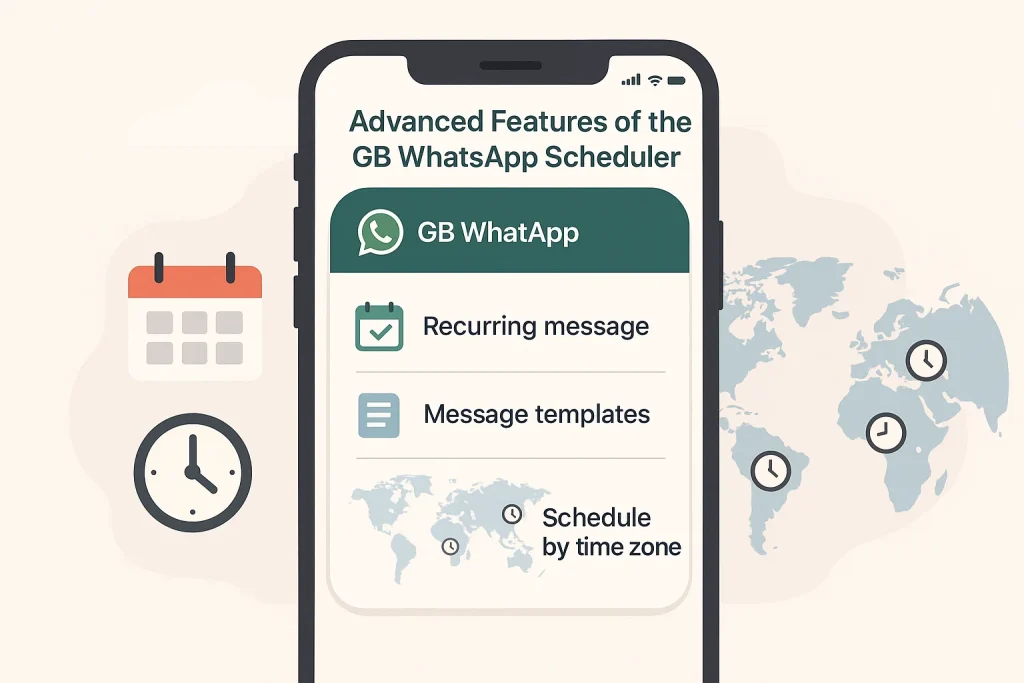
One of the standout features of the GB WhatsApp message scheduler is the ability to send recurring messages. This means you can set up messages to be automatically sent at regular intervals, such as daily, weekly, or monthly. This feature is particularly useful for businesses or individuals who need to send reminders, reports, or updates on a consistent schedule. Whether it’s a daily motivational message or a weekly team reminder, recurring messages ensure you never miss an important communication. This functionality saves time and reduces the risk of forgetting critical messages, making communication more seamless and efficient.
Message Templates
Another powerful feature of the GB WhatsApp scheduler is the ability to create and use message templates. If you regularly send similar messages, such as customer inquiries or appointment confirmations, you can save these messages as templates. This eliminates the need to repeatedly type the same content, improving efficiency. Templates can be customized to suit your needs and can even be integrated with personalized details like names or dates. Using message templates makes your communication more organized and professional, helping you stay consistent while saving time.
Scheduling Across Time Zones
For businesses or individuals managing international teams or clients, scheduling across different time zones is a game-changer. GB WhatsApp allows you to set messages to be sent according to the recipient’s local time zone, even if you’re in a different part of the world. This ensures that messages are sent at the right time, no matter where you are. Whether you’re running a global business or staying in touch with family and friends across time zones, this feature eliminates the confusion that often arises when scheduling messages across borders. It helps maintain timely communication and prevents awkward message delivery times.
You may tweak around these features:
Use Cases for the Message Scheduler
For Personal Use
The GB WhatsApp message scheduler isn’t just for businesses—it’s also a fantastic tool for personal use. Imagine being able to send birthday wishes, reminders, or important updates to friends and family without worrying about timing. With the scheduler, you can prepare your messages ahead of time and ensure they are delivered at the perfect moment, whether it’s wishing someone good luck before an exam or reminding a loved one about an upcoming event. It saves time and ensures that your messages never miss their mark, even if you’re busy with other tasks.
Additionally, this feature is incredibly useful for people who live in different time zones. By scheduling messages, you can connect with friends and family at times that are convenient for them, even if you’re not available. It’s a simple yet powerful way to stay in touch without having to constantly check your phone or remember when to send that important note.
For Businesses and Professionals
For businesses and professionals, the GB WhatsApp message scheduler is a game-changer. Whether you’re managing customer inquiries, sending out promotional offers, or keeping your team informed, scheduling messages ensures you stay organized and efficient. You can set up messages for clients or colleagues to be delivered at the right time—whether it’s a follow-up email, a reminder, or an announcement about new products or services. This automation helps you stay on top of communication without the stress of managing it manually.
The message scheduler is particularly beneficial for businesses dealing with global clients or partners. You can schedule messages to be sent across different time zones, ensuring your messages reach recipients at the optimal time. This not only boosts customer engagement but also strengthens relationships by keeping your communication timely and relevant. Plus, with message templates, you can streamline common communications, saving time and maintaining professionalism in every interaction.
Conclusion
In conclusion, the GB WhatsApp message scheduler is a powerful tool that offers convenience and efficiency for both personal and professional use. By allowing users to plan messages ahead of time, it ensures communication is timely, organized, and stress-free. Whether it’s sending personal reminders or business updates, this feature provides flexibility, ensuring that messages reach the right people at the right time, no matter your schedule or time zone.
For businesses, the scheduler enhances productivity by automating routine messages and ensuring that client communication is seamless and on time. With advanced features like recurring messages, message templates, and scheduling across time zones, GB WhatsApp proves to be an invaluable tool for improving communication strategies. Embracing this feature not only saves time but also builds trust with your audience, making your messaging more reliable and effective.